Gepco New Connection – Complete Online Application Guide 2026
As electricity demand increases with time, a single meter is often not enough to meet your domestic needs. Before applying for a new connection, make sure to check your Gepco Bill Online to confirm there are no pending dues on your existing meter. In such cases applying for a new GEPCO connection is the best solution to divide your total load efficiently.
How to Apply for a GEPCO New Connection?
If you want to get a new electricity connection for your home, shop or any other place, all you need is the CNIC of the person in whose name the connection will be registered. Take a copy of that CNIC and a copy of any nearby neighbor’s electricity bill and visit the stamp vendor located outside the GEPCO office.
Ask him to prepare a new connection file for you. He will charge around Rs 500 to Rs 700 for this service. He will obtain the new connection form himself, get all the documents attested by the Oath Commissioner and also submit the online application on your behalf. This will save you a lot of time and effort. You can also use the Bill Calculator to estimate your expected monthly bill on the new connection.

GEPCO New Connection 2026 – Step-by-Step Guide
Applying for a GEPCO new connection has become much easier these days. Before you apply, make sure to clear all dues through Gepco Bill Payment on your existing connection to avoid any complications. You can either visit the official Electricity New Connection website or go to your nearest GEPCO office to apply.
Before applying you must know your load category as it is divided into 3 types based on phase, load, consumption and nature of requirement:
Category No 1 | Category No 2 | Category No 3 |
|---|---|---|
SINGLE PHASE:1- 15KW | DOUBLE PHASE:16-70KW | TRIPLE PHASE:70-500KW |
Normally a single phase meter is used to meet domestic load of electricity. | A double phase meter is required for commercial purposes. | A Triple phase meter is usually required to meet industrial electricity demands. |
Installation time: 30 Days | 44 Days | 73 Days |
Two Methods to Apply for a New GEPCO Connection:
“There are two ways to apply for a new GEPCO connection. The first is the manual process where you visit your nearest GEPCO office and submit the required documents. The second is the online method where you visit the ENC website and fill out the application form from anywhere anytime. Before applying, you can also review your Bill History to ensure there are no pending dues on your existing connection.
Manual procedure
The manual method is the most traditional and commonly used way to apply for a new GEPCO connection. Simply follow the steps below:
Steps for Manual Application Submission
- Visit your nearest GEPCO office and collect the application form.
- Fill in the required information such as name, phone number and address.
- Attach a copy of your CNIC and ownership proof. If you are not the actual owner then you will need a permission form from the owner along with a stamp paper and ownership proof.
- Submit all documents at the subdivision office for verification. You will receive a receipt once your information is verified.
Important Documents Needed for GEPCO New Connection
For a new GEPCO connection you will need a properly filled and signed application form along with the following documents:
Additionally applying for a permanent connection you’ll also need a copy of the EPA application receipt.
Note: It may take 1 to 3 months to get a new GEPCO connection installed.
GEPCO New Connection Procedure
After submitting your application, the following process takes place:
Payment: Pay the required fees and any other applicable charges.
Inspection: GEPCO will conduct an inspection of the premises to ensure the connection meets the required safety standards.
Connection: Once the application is approved and all formalities are completed, your new connection will be established.
Online Application for a GEPCO new connection
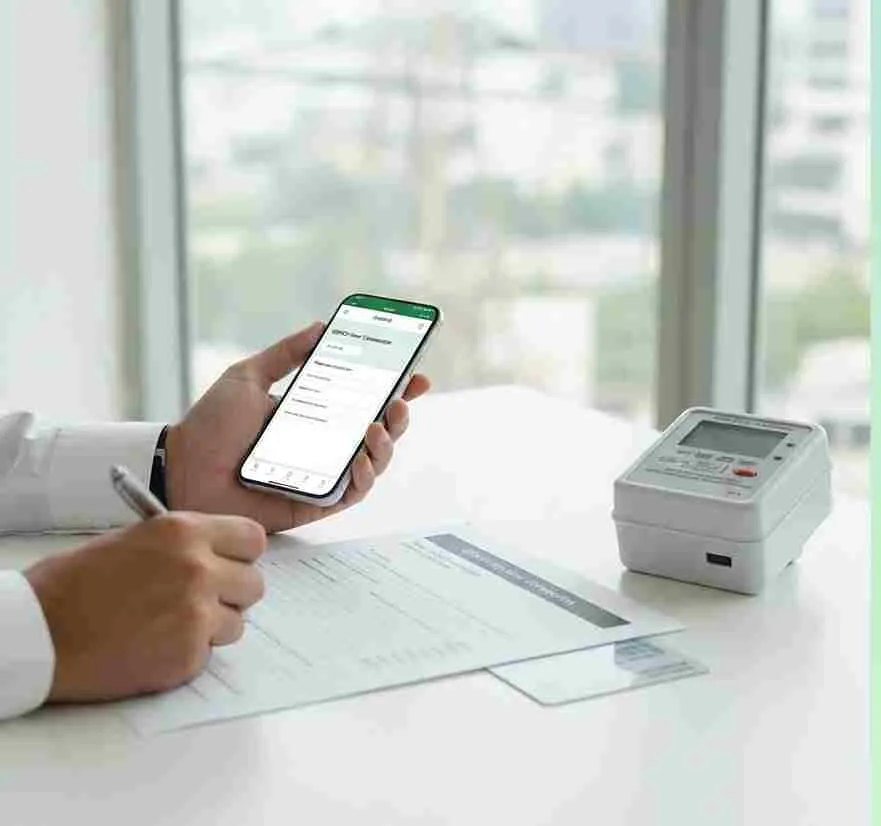
GEPCO has made it very easy to apply for a new connection online through a fully automated system. There is no need to visit any office. You can apply from anywhere anytime with just a few clicks. If you need any guidance during the process, the Gepco Helpline is always available to assist you.
How to Apply For GEPCO New Connection By Using ENC?
You can apply online by visiting the ENC website by the below mentioned steps:
Fill out the Online Application Form
Visit the ENC website . You’ll find out whether to track ,apply, change ,print form etc. click on the apply box and a new connection form will appear on your screen . Fill the form accurately.
Upload Necessary Documents
Neighbors GEPCO Bill.
2 photocopies of property ownership documents.
3 attested copies of CNIC.
4 attested photocopies of neighbors CNIC.
Wiring test report.
Submit the Online Application Form
Check the agree box and click on the submit button to submit your application.
Get a Printout of the Application Form
As soon as you fill up your application you must have a printout of your form for personal use and further assistance.
Attach Documents to the Application Form
Attach the above mentioned documents with your application form and make sure the required documents should be available properly.
Send the Application to the Concerned Office
Send your application along with the required documents to the concerned GEPCO office which handles the respective problems.
Submit the Demand Notice Copy
After the submission of your application you will receive a demand notice. Make sure after paying the demand notice fee you must submit the receipt in the concerned office.
Wait for Installation
After the office identifies your payment they will schedule your new connection installation.
Unsure About the Online Application Process?
The process needs a few necessary documents. Before starting your application, check the Load Shedding schedule in your area as high demand periods may affect processing times. With the GEPCO online system you can apply for a new connection anytime anywhere by providing simple information about yourself and our connection should be installed.
Benefits of the GEPCO Online System
- No need of office visits
- Complete the process at your convenience
- You can track your application status online
Utilizing a user friendly system you can save time and efforts while ensuring a seamless application experience.
GEPCO Online Application Status
Once you have submitted your application, you can easily track its status online through the GEPCO portal by following these simple steps:
- Go to the ENC web portal.
- Select the ‘track’ option.
- Enter your CNIC or tracking ID provided at submission time.
- Click on the submit button to view your application status.
The portal will display the complete and detailed status of your application.
GEPCO Demand Notice
A GEPCO Demand Notice is an official document sent to consumers after their new connection application is approved. It contains all the relevant details about the connection and the fees required for installation. Here is what a demand notice includes:
Bill number
Unique identifier for a specific bill
Customer ID
Unique identifier for the customer’s account.
Account name and address
Information about the consumers and electricity connection.
Consumption details
Includes information about units consumed daily.
Total amount
Includes information about the total amount needed to pay for consumption.
Due date
The date by which payment should be made.
Late payment charges
Information about penalties of not paying bill on time.
Contact information
Contact details for inquiries and assistance.
GEPCO Demand Notice and Fees
Once your new connection application is approved, GEPCO will issue a demand notice containing all the specific details of your connection. The estimated installation fee is around Rs 9,000 to Rs 12,000. A 40 meter wire is allocated for every new connection. If your property is located far from the connection point, additional charges for extra wire will apply.
Final Words
Applying for a new GEPCO connection has become much easier and more convenient than ever before. Whether you choose the manual method or the online method through the ENC website, the process is straightforward and hassle free. The entire process may take around 2 to 3 months and your new connection will be installed at your required location.