Common Issues with Checking your Bill Online
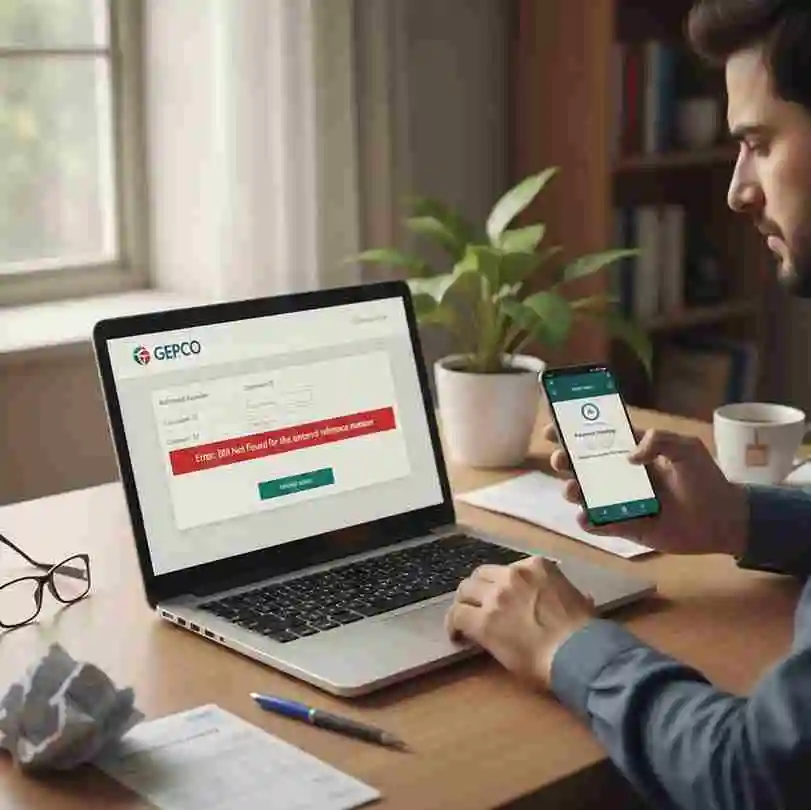
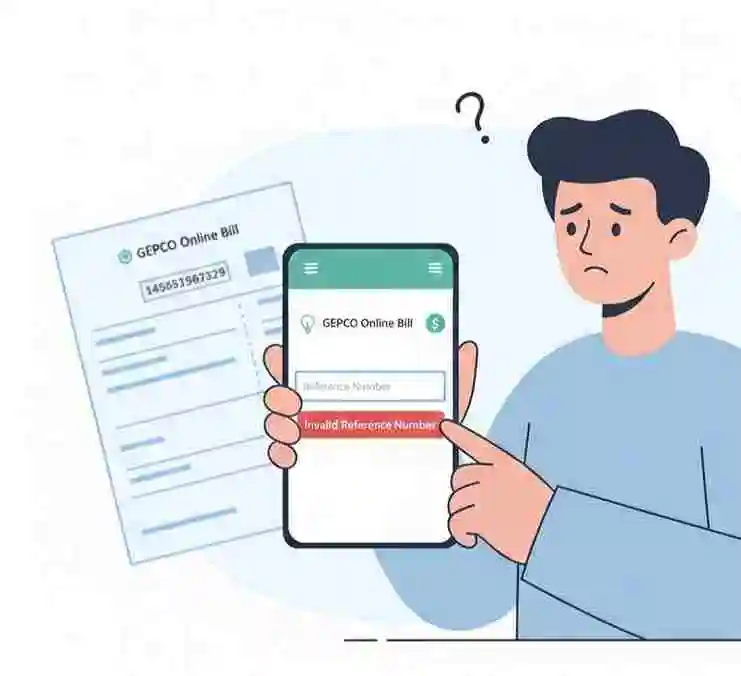
Reference number Errors
Many users face reference number errors like “record not found”. This usually happens when your connection is new with only a single billing cycle completed, or when the reference number is entered incorrectly with dashes or commas included.
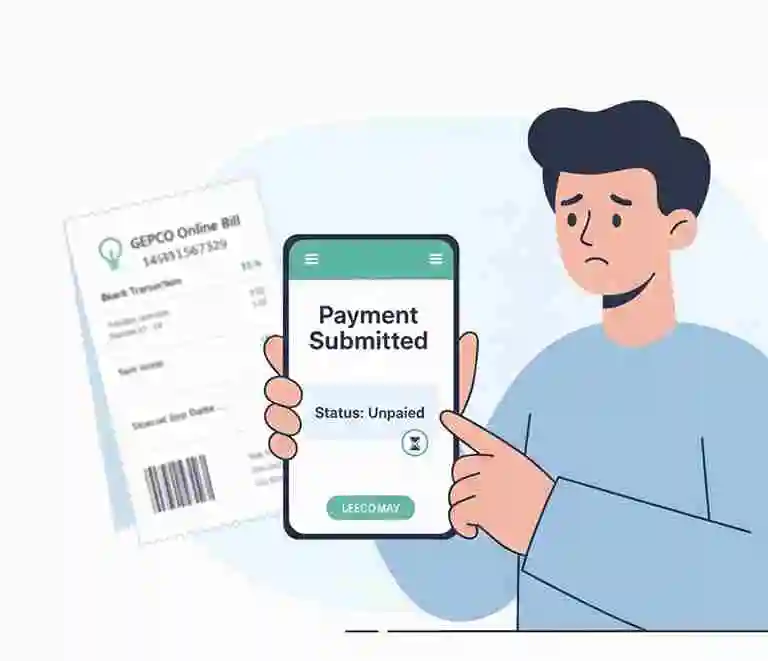
Payment status lag
A very common issue is that after paying your bill through mobile wallets or banking apps, the payment status still shows as unpaid or fine included. This happens because the GEPCO database does not update immediately after payment and usually takes some time to reflect the transaction.
Server down websites
The official GEPCO website and third party bill checking websites sometimes face downtime due to high traffic. When the server gets overloaded it becomes unable to respond and may fail to generate duplicate bills properly.
Lack of official app support
Unlike some other utility providers, GEPCO does not have a dedicated app for duplicate bill viewing. In some cases it also restricts third party websites from accessing duplicate bill information which can be frustrating for consumers.
No CNIC Based researches
GEPCO does not support direct bill lookup using a CNIC number. It requires a reference number for bill access which confuses users who do not have their physical bill available.
Incorrect Data / mismatch
If the information you provide does not match the data in the official GEPCO system, it can cause duplicate or invalid information errors. Always make sure all details are entered accurately.
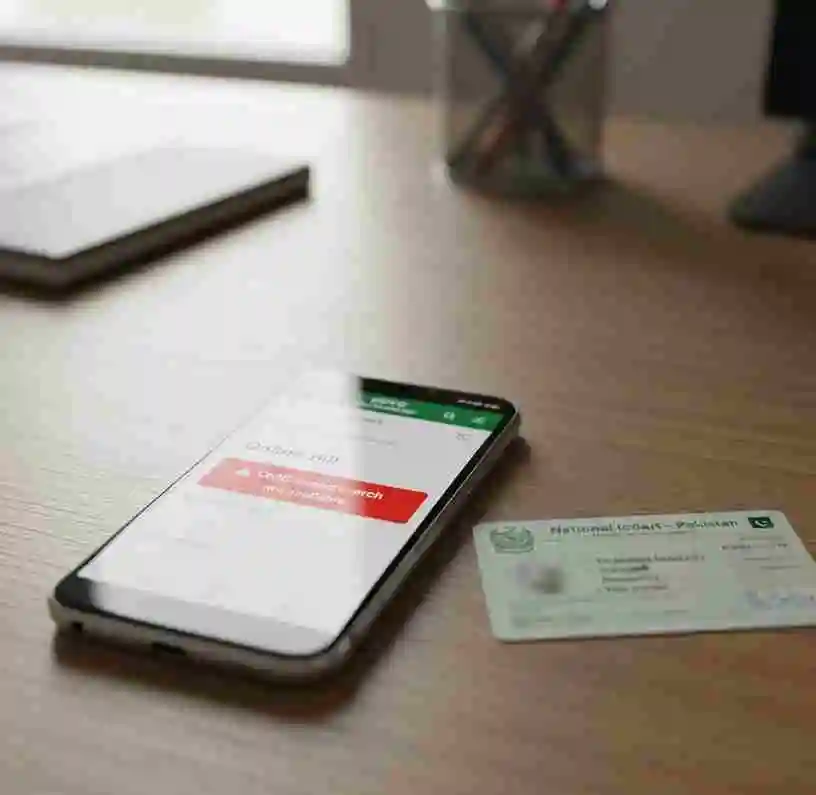
How to resolve these common issues?
Below mentioned are the following methods to solve your billing errors:
If the bill shows unpaid
Wait for 24 to 48 hours as bank updates usually take this time to reflect in the GEPCO system. Always keep your transaction receipt safe as proof of payment.
If the bill is not found
Double check your reference number or try using your Consumer ID instead. If the error persists, refer to your previous bill to locate your correct reference number.
If the site is down
High traffic often causes the server to go down. Try using a third party website to view your bill or simply wait and try again after some time.
Final Words
Facing issues while checking your GEPCO bill online is very common but most of these problems are minor and can be resolved quickly. Whether it is a reference number error, payment status lag or a server downtime issue, the solutions are simple and straightforward. Always keep your previous bill and payment receipts safe to avoid any unnecessary hassle when checking your bill online.