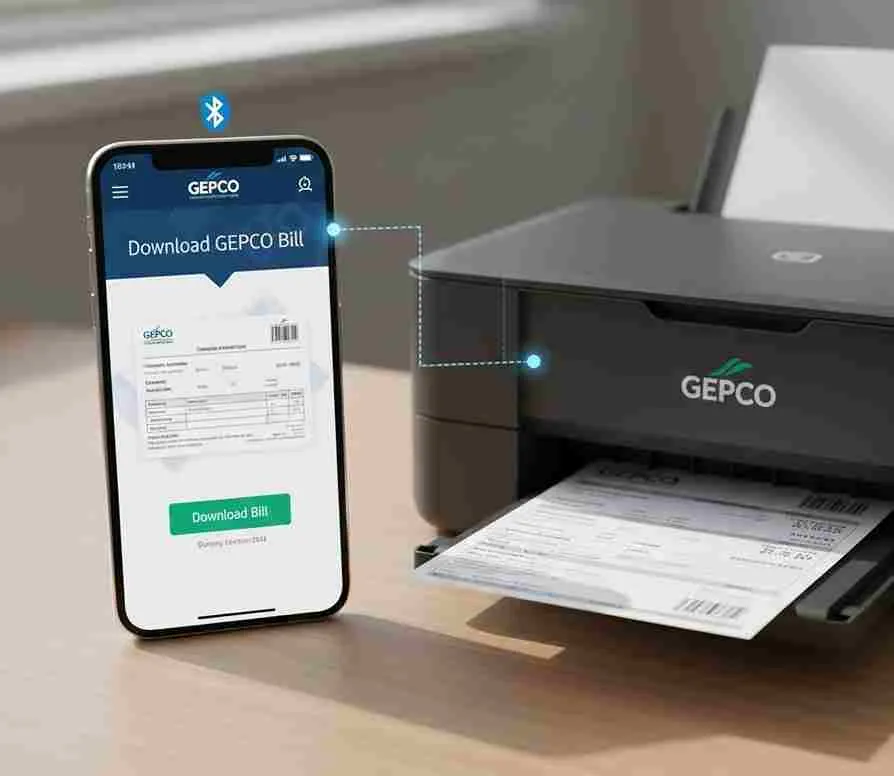
download and print gepco bill

How to download and print your electricity bill in 2026?

You can easily download your electricity bill from gepconlinebill.pk. Here is a step by step guide to check, download and print your Gepco bill online. This is very helpful for those who are not familiar with checking their GEPCO bills.
visit the official portal

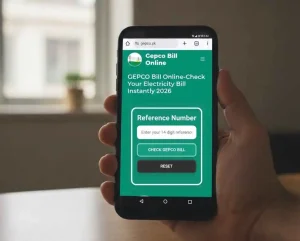
Step 1 : visit the official portal


Go to the official GEPCO website or gepconlinebill.pk and locate the bill checking section at the top of the page, usually present in the above the fold area of the site.

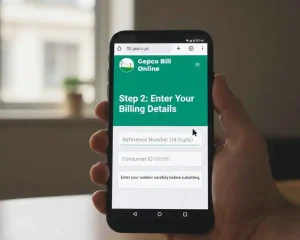
Step 2: Enter your billing details:

Enter your 14-digit Reference Number or Consumer ID carefully and submit it. Make sure there are no typing mistakes in the number you enter.


Enter your billing details:
View your electricity bill

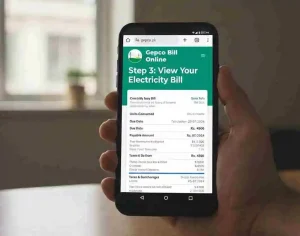
Step 3 : View your electricity bill:

Your latest bill will appear on the screen showing the following details:

  • Units consumed. 
  • Due date.
  • Payable amount.
  • Taxes and surcharges.

Check that all the details shown are accurate and correct.

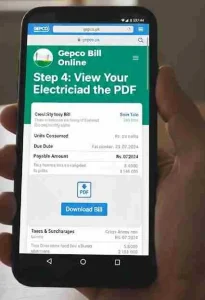
Step 4: Download the PDF:

Click the Download Bill or Save as PDF option and the bill will be saved directly on your mobile or computer.

Download the PDF
Print your electricity bill

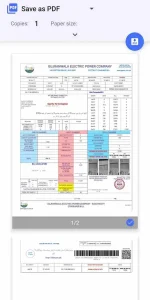
Step 5: Print your electricity bill:

Open the downloaded PDF, press Ctrl+P and select your printer. Set the layout to portrait and paper size to A4 then click Print and your bill will be ready.

Final Words

Downloading and printing your GEPCO bill online is a quick and simple process that saves you from the hassle of waiting for a physical copy. Whether you need it for payment, record keeping or any other purpose, you can access your bill anytime from anywhere in just a few simple steps.

FAQs

Yes, once you have downloaded your bill as a PDF you can print it at home by pressing Ctrl+P, selecting your printer and setting the paper size to A4.

Similar Posts

Leave a Reply

Your email address will not be published. Required fields are marked *